Smart Espresso Machine Wi‑Fi Security Settings: The Complete Guide to Securing Your Coffee Maker
Introduction
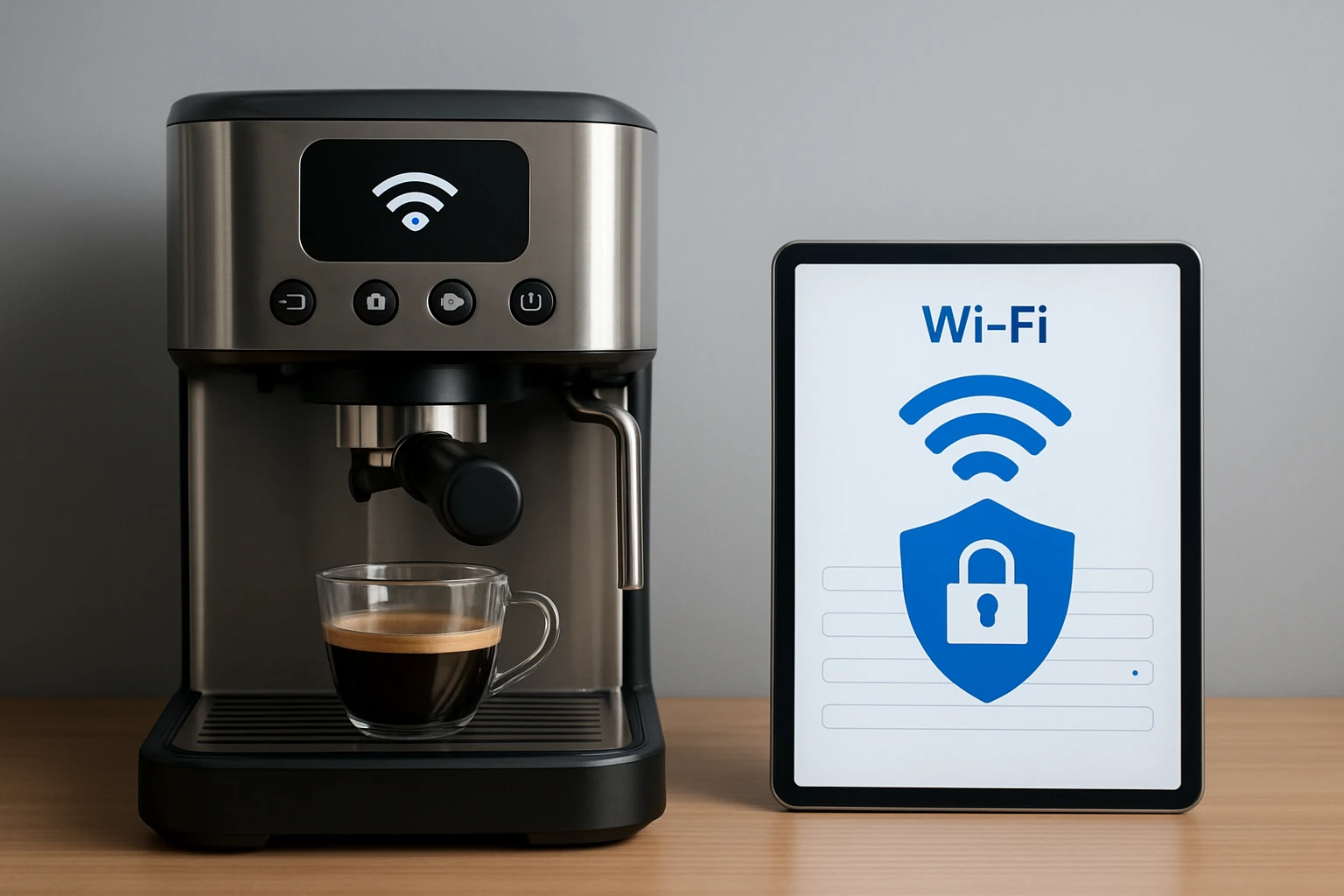
Modern espresso machines often connect to home networks, allowing remote brewing, firmware updates, and integration with voice assistants. While these features add convenience, they also expose the appliance to potential cyber threats. This guide explains how Wi‑Fi security works for smart coffee makers, outlines essential configuration steps, and recommends reliable products that incorporate robust security measures. Readers will finish this article with a clear plan to safeguard their espresso machine without sacrificing functionality.
We will explore foundational networking concepts, walk through configuration of encryption, password policies, and network segmentation, and compare three popular models that illustrate different security approaches. By the end, you will be equipped to protect both your coffee and your data.
Background and Context
Smart appliances communicate using standard protocols such as Wi‑Fi (802.11), Bluetooth Low Energy, and cloud APIs. When an espresso machine connects to a router, it becomes another device on the local area network (LAN) and may exchange data with external servers for app control or firmware updates. The primary risks include unauthorized access, credential theft, and exploitation of outdated firmware.
Understanding three core concepts is essential: encryption (WPA2/WPA3), authentication (strong passwords and two‑factor verification), and network isolation (guest networks or VLANs). Encryption protects data in transit, authentication ensures only authorized users can control the machine, and isolation limits exposure to other devices on the network.
Because coffee makers rarely store sensitive personal data, the main concern is that an attacker could use the appliance as a foothold to reach more valuable devices. Implementing best‑practice security settings therefore reduces the attack surface for the entire smart home.
Secure Configuration Steps
Below is a systematic checklist that applies to any Wi‑Fi enabled espresso machine. Follow each step before first use, and repeat after firmware updates.
- Update Firmware Immediately – Manufacturers release patches that address known vulnerabilities. Use the companion app to check for updates as soon as the machine is powered on.
- Choose WPA3 When Available – If your router supports WPA3, enable it. Otherwise, select WPA2‑Personal with AES encryption; avoid TKIP.
- Set a Strong Wi‑Fi Password – Use a minimum of twelve characters, mixing uppercase, lowercase, numbers, and symbols. Do not reuse passwords from other accounts.
- Enable Two‑Factor Authentication (2FA) in the Companion App – Many brands, including Bosch, allow 2FA for the Home Connect app. This adds an extra verification step when logging in.
- Create a Dedicated Guest Network – Assign the espresso machine to a separate SSID that isolates it from computers, phones, and smart locks.
- Disable Unused Services – Turn off Bluetooth or NFC if you never use them; each active radio is a potential entry point.
- Review Cloud Permissions – Limit the machine’s access to only the functions you need (e.g., brewing, status reports). Revoke any unnecessary permissions.
Completing this checklist reduces the likelihood of unauthorized remote brewing or network compromise.
Product Recommendations
When selecting a smart espresso machine, consider how the device handles security. The three models below demonstrate a range of approaches, from enterprise‑grade encryption to straightforward app control.
1. Bosch VeroCafe 800 Series
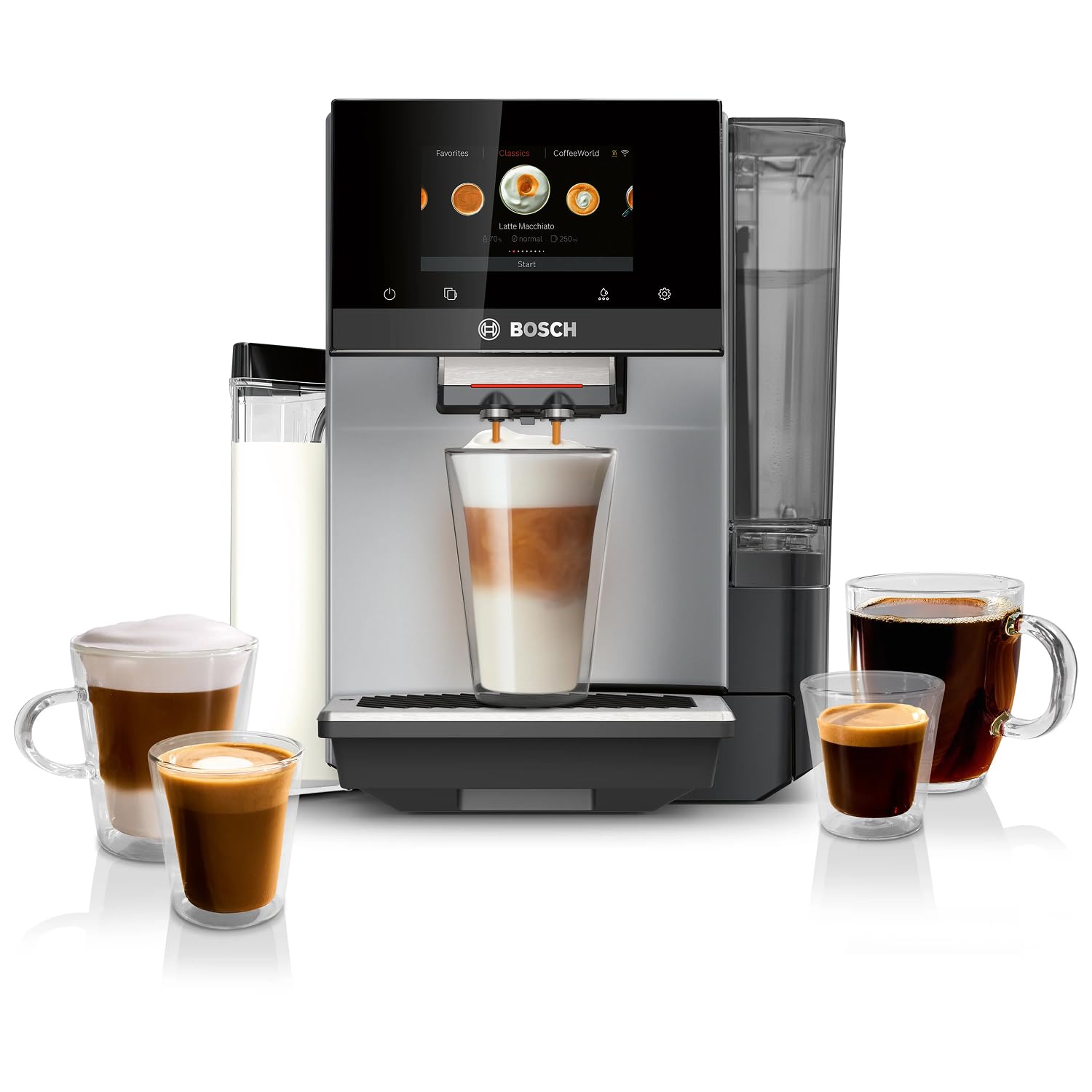
The Bosch VeroCafe 800 Series integrates the Home Connect app, which supports two‑factor authentication and encrypted cloud communication. Its 36‑drink menu, double‑cup capability, and large bean hopper make it a premium choice for households that demand both variety and security.
- Touchscreen display with Active Select interface
- Wi‑Fi connectivity via Home Connect, supporting WPA2‑AES
- Remote brewing, maintenance alerts, and firmware updates through the app
- 4‑star rating (4.1/5.0) from 139 verified reviews
Because Bosch provides regular software patches and a dedicated security portal, users can stay confident that vulnerabilities are addressed promptly.
2. AMZCHEF 20 Bar Espresso Machine
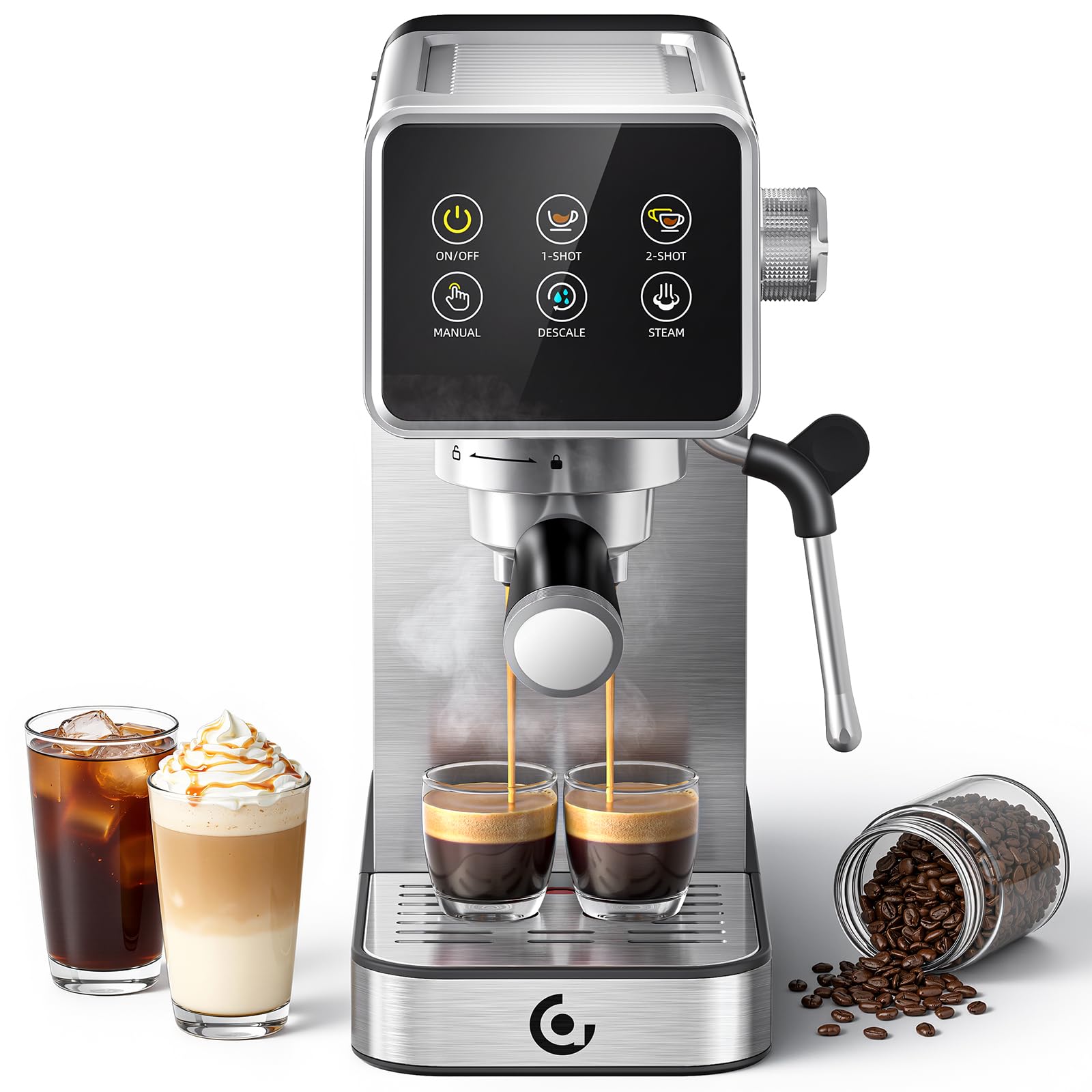
The AMZCHEF 20 Bar Espresso Machine offers a simple LED touchscreen and memory function, but its Wi‑Fi implementation is limited to basic remote control without a dedicated cloud security layer. It is suitable for beginners who prioritize ease of use over advanced security features.
- 20‑bar pressure pump and 1350 W boiler for café‑level extraction
- LED touchscreen with one‑touch memory and self‑cleaning mode
- Compact stainless‑steel body, 41 oz removable water tank
- High rating (4.7/5.0) from 129 reviews, indicating strong user satisfaction
While the machine does not currently support 2FA, users can mitigate risk by placing it on a guest network and using a strong router password.
3. CUSIMAX Espresso Machine with Grinder
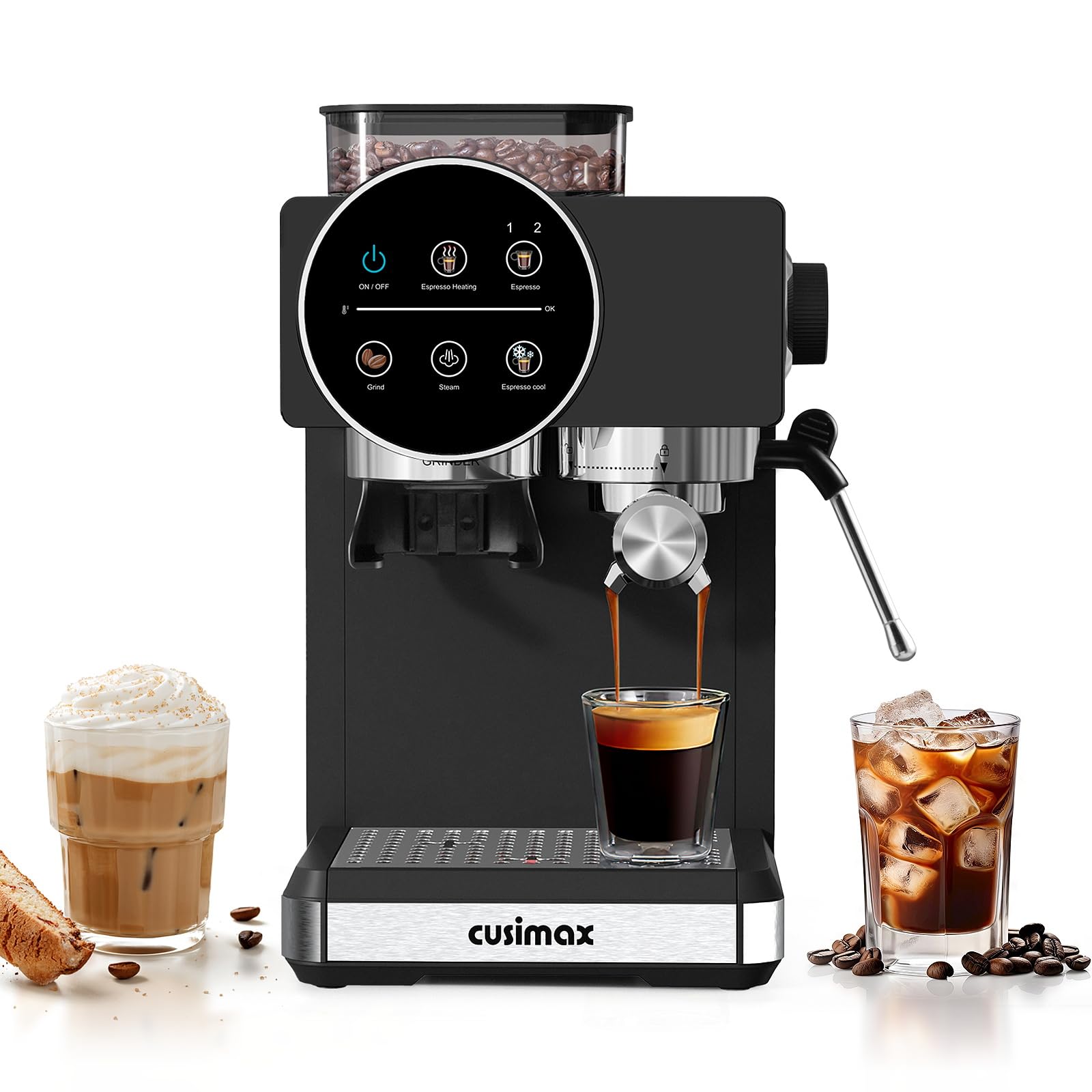
The CUSIMAX Espresso Machine with Grinder combines a built‑in conical burr grinder with Wi‑Fi connectivity for app‑based control. It includes a 20‑bar pump, adjustable grind settings, and a versatile steam wand. Security is comparable to the Bosch model, with encrypted communication and regular firmware updates.
- Integrated stainless‑steel conical burr grinder with 20 grind settings
- 20‑bar pressure system and 1350 W heating element
- Remote operation via companion app, supporting WPA2‑AES encryption
- 4.3/5.0 rating from 201 reviews, reflecting solid performance
Its compact footprint and affordable price ($171.99) make it an attractive option for users who want advanced features without a premium price tag.
Comparison and Selection Guide
| Feature | Bosch VeroCafe 800 Series | AMZCHEF 20 Bar | CUSIMAX with Grinder |
|---|---|---|---|
| Price | $1,498.96 | Not listed (generally mid‑range) | $171.99 |
| Wi‑Fi Security | Home Connect with 2FA, WPA2‑AES | Basic remote control, no 2FA | App control, WPA2‑AES, regular updates |
| Drink Variety | 35+ beverages | Espresso, latte, cappuccino | Espresso, latte, cappuccino, macchiato |
| Built‑in Grinder | No (uses external beans) | No | Yes, 20 settings |
| User Rating | 4.1/5 (139 reviews) | 4.7/5 (129 reviews) | 4.3/5 (201 reviews) |
When security is the top priority, the Bosch and CUSIMAX models provide encrypted cloud communication and the ability to enable two‑factor authentication. The AMZCHEF machine is best suited for users who value simplicity and are comfortable placing the appliance on an isolated network.
Best Practices & Tips
- Regularly Review Connected Devices – Use your router’s admin panel to audit devices. Remove any unknown MAC addresses.
- Change Default Device Names – Rename the espresso machine from generic identifiers like "SmartCoffee" to something unique; this prevents attackers from easily identifying the device type.
- Backup Settings – Export app configuration files after you have applied security settings. This speeds up recovery if the machine is reset.
- Monitor Firmware Release Notes – Manufacturers often list security fixes. Subscribe to the brand’s newsletter or follow their support page.
- Use a Strong Router Admin Password – The router’s admin interface controls network policies; a weak password undermines all downstream device security.
- Consider a Dedicated IoT Hub – Platforms such as Samsung SmartThings or Home Assistant can enforce additional authentication layers and provide centralized logging.
Frequently Asked Questions
- 1. Do I need a separate Wi‑Fi network for my espresso machine?
- Creating a guest network isolates the appliance from personal devices, reducing the risk of lateral movement in case of compromise. It is recommended for any device with internet access.
- 2. Can I disable Wi‑Fi entirely?
- Most smart machines allow you to turn off Wi‑Fi in the settings menu. You will lose remote brewing and firmware updates, but the device will continue to operate locally.
- 3. How often should I change my Wi‑Fi password?
- Changing the password every six months is a good practice, especially if you suspect any network breach.
- 4. What is WPA3 and why does it matter?
- WPA3 is the latest Wi‑Fi security protocol, offering stronger encryption and protection against password guessing attacks. If your router supports it, enable WPA3 for all IoT devices.
- 5. Are there privacy concerns with cloud‑based espresso machines?
- Cloud services may collect usage data such as brew times and preferences. Review the manufacturer’s privacy policy and disable data sharing if you prefer local control.
- 6. How can I verify that my machine’s firmware is up to date?
- Open the companion app, navigate to the settings or “About” section, and look for a “Check for Updates” button. The app will display the current version and any available patches.
Conclusion
Smart espresso machines bring convenience, but they also introduce network exposure. By understanding encryption, authentication, and isolation, and by following the checklist provided, users can enjoy remote brewing without compromising home security. Selecting a model with regular firmware updates and robust app security—such as the Bosch VeroCafe 800 Series or CUSIMAX Espresso Machine with Grinder—further strengthens protection. Implement the best‑practice tips, stay vigilant about updates, and your coffee routine will remain both delicious and safe.
Products Featured in This Guide
Bosch VeroCafe 800 Series
Price: $1,498.96
Rating: 4.1/5.0 (139 reviews)
Featured for its comprehensive Home Connect security features, two‑factor authentication, and frequent firmware updates.
AMZCHEF 20 Bar Espresso Machine
Price: Not listed
Rating: 4.7/5.0 (129 reviews)
Featured for its beginner‑friendly interface and solid espresso performance, suitable for users who can isolate the device on a guest network.
CUSIMAX Espresso Machine with Grinder
Price: $171.99
Rating: 4.3/5.0 (201 reviews)
Featured for its integrated grinder, strong 20‑bar pressure system, and reliable Wi‑Fi security with regular updates at an affordable price.