How to Schedule Your Espresso Machine with a Smart Plug to Maximize Energy Savings
Introduction
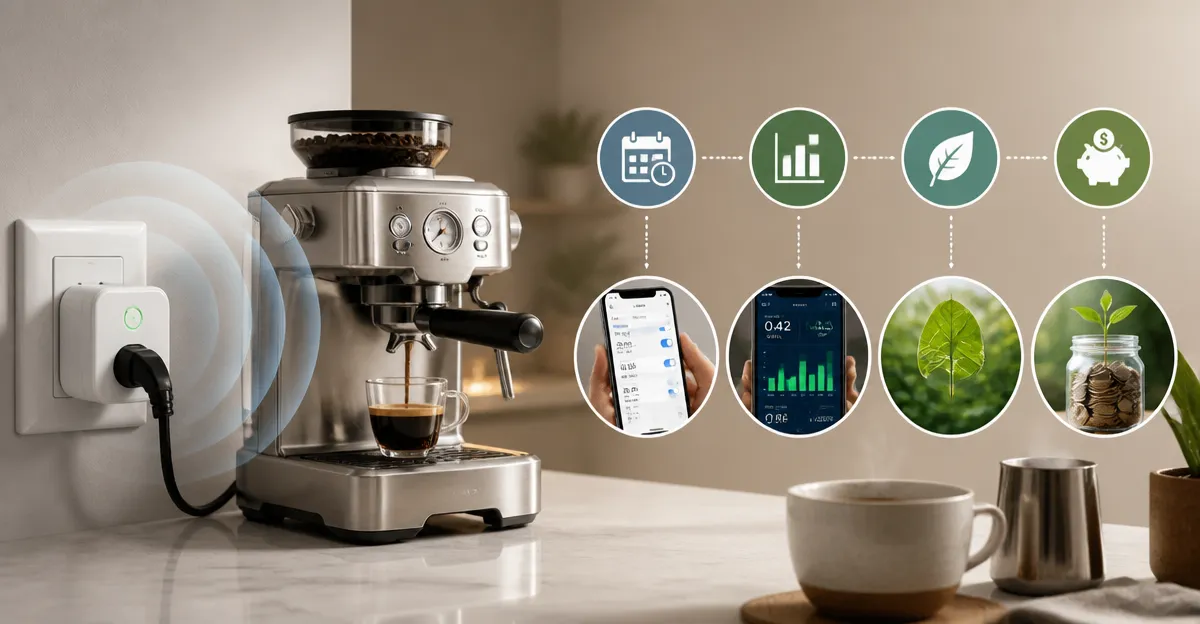
Many coffee enthusiasts leave their espresso machine plugged in all day, which consumes idle power and raises electricity costs. By automating the power supply, one can ensure the machine is only active when needed, reducing waste without sacrificing convenience. This guide explains how to select a suitable smart plug, configure a daily schedule, and optionally monitor energy consumption. The result is a more efficient kitchen routine and measurable savings on your utility bill.
What You’ll Need
- A Wi‑Fi enabled smart plug compatible with your home ecosystem (examples below).
- A smartphone with the appropriate app installed (Kasa, Meross, or Alexa).
- An active Wi‑Fi network operating on the 2.4 GHz band.
- The espresso machine you wish to automate.
Below are three reputable products that satisfy these requirements. Each link directs to an Amazon listing with affiliate tracking.
Step 1: Choose a Compatible Smart Plug
The first decision is selecting a plug that supports reliable scheduling and, if desired, energy monitoring. The Kasa Smart Plug Ultra Mini offers a compact form factor, 15 A load capacity, and integration with Alexa, Google Home, and the Kasa app. Priced at CAD 27.63, it holds a 4.5‑star rating from over 40,000 reviewers, indicating strong user satisfaction. Its UL certification ensures safety for high‑power appliances such as espresso machines.
If privacy and cross‑platform compatibility are top priorities, the Meross Matter Smart Plug provides Matter support, built‑in power metering, and a 4.5‑star rating from 191 reviews. At $49.99, it is more expensive but adds real‑time energy data that can guide further savings. Finally, the Amazon Smart Plug integrates directly with Alexa, costs $24.99, and enjoys a 4.7‑star rating from over half a million users, making it a solid baseline choice.
Step 2: Install the Smart Plug and Connect to Wi‑Fi
Begin by unplugging the espresso machine from the wall outlet. Insert the chosen smart plug into the same outlet, ensuring the plug’s orientation leaves the second socket free for future expansion. Plug the espresso machine into the smart plug’s rear socket. Power the device; the indicator LED on the smart plug should flash, indicating pairing mode.
Open the corresponding app on your smartphone (Kasa for Kasa Plug, Meross app for Meross Plug, or Alexa app for Amazon Plug). Follow the in‑app instructions to add a new device, selecting your home Wi‑Fi network. Note that all three plugs require a 2.4 GHz connection; a 5 GHz network will not be recognized. Once the plug appears in the device list, rename it to something descriptive such as “Espresso Machine”.
Step 3: Configure the Plug in the App
With the device added, navigate to its settings page. For the Kasa Smart Plug Ultra Mini, enable “Schedule” and optionally “Away Mode” to simulate occupancy when you are not home. The Meross Matter Smart Plug offers an “Energy Monitoring” tab where you can view real‑time wattage and historical usage graphs. The Amazon Smart Plug provides a simple “Turn On/Off” toggle and a “Routine” creation button within the Alexa app.
Set the plug’s maximum load to 15 A (the default) to match the espresso machine’s specifications. Verify that the plug reports a stable connection; most apps will display a green status icon when the device is online. If the status is yellow or red, relocate the plug closer to the router or reduce Wi‑Fi interference from other appliances.
Step 4: Create a Schedule for Your Espresso Machine
Determine the times you typically brew coffee. A common pattern is to have the machine ready by 7:00 AM on weekdays and 9:00 AM on weekends. In the Kasa app, select “Add Schedule”, choose “Daily”, and set the “Turn On” time to 6:45 AM, allowing the machine a few minutes to warm up before use. Add a corresponding “Turn Off” time at 9:30 AM to ensure the machine does not remain powered after the morning routine.
For the Meross plug, use the “Timer” feature to create multiple intervals, such as a weekday schedule and a weekend schedule. The built‑in energy monitor will record how much power is consumed during each interval, providing feedback for future adjustments. In the Alexa app, create a “Routine” named “Morning Espresso” that turns on the Amazon Smart Plug at the desired time and optionally announces the status via an Alexa speaker.
Save the schedule and test it by manually triggering the “Turn On” command from the app. Observe whether the espresso machine powers up and whether the indicator lights behave as expected. Adjust the timing by five‑minute increments if the machine needs more or less warm‑up time.
Step 5: Add Energy Monitoring (Optional)
If you selected the Meross Matter Smart Plug, you can now leverage its power‑metering capabilities. Open the “Energy Monitoring” dashboard after a week of usage to view total kilowatt‑hours (kWh) consumed during the scheduled periods. Compare this figure to the baseline consumption measured before automation (you can estimate baseline by running the machine for a few days without a schedule and noting the app’s readings).
Use the insights to refine your schedule. For example, if the machine remains on for 30 minutes after brewing, you might add a secondary “Turn Off” timer to reduce idle draw. Over a month, even a 5‑minute reduction per day can save several kilowatt‑hours, translating into noticeable cost savings on your electricity bill.
Tips & Pro Tips
- Place the smart plug on a surge‑protected power strip if your espresso machine draws high inrush current during heating.
- Enable “Away Mode” on the Kasa plug when you are on vacation; the plug will randomly turn on and off to mimic occupancy, enhancing home security.
- Use the Meross app’s “History Export” feature to download CSV files for detailed analysis of energy trends.
- Pair the smart plug with a voice assistant (Alexa, Google Assistant, or Siri) to issue ad‑hoc commands such as “Turn on the espresso machine now”.
- If you experience Wi‑Fi drops, consider assigning the plug a static IP address in your router’s DHCP settings.
Troubleshooting
Plug does not connect to Wi‑Fi: Verify that the router is broadcasting a 2.4 GHz network and that the SSID is not hidden. Restart the plug by unplugging it for ten seconds, then repeat the pairing process.
Schedule fails to trigger: Ensure the device’s firmware is up to date; both Kasa and Meross provide in‑app update options. Check that the plug’s local time zone matches your region.
Energy data shows zero usage: The Meross plug reports usage only when the connected appliance draws power. Confirm that the espresso machine is actually drawing current during the test period.
Conclusion
By selecting a reliable smart plug, configuring a precise schedule, and optionally monitoring energy consumption, one can transform an always‑on espresso machine into an efficient, automated kitchen asset. The steps outlined above provide a repeatable framework that can be applied to other high‑power appliances, extending the benefits of smart home technology throughout the household. Implement these practices today to enjoy freshly brewed coffee on demand while reducing unnecessary electricity costs.
Products Mentioned in This Guide
Frequently Asked Questions
Can I use any smart plug to schedule my espresso machine?
The plug must be Wi‑Fi enabled, support 2.4 GHz networks, and handle the machine's power rating.
How does scheduling a smart plug save energy?
It cuts power when the machine is idle, eliminating standby draw and reducing electricity usage.
Do I need a separate app for each smart plug brand?
Yes, each brand (e.g., Kasa, Meross, Alexa) uses its own app to set timers and monitor usage.
Is it safe to turn my espresso machine on and off automatically?
Modern espresso machines tolerate power cycling; just avoid rapid on/off cycles to protect the heating element.
Can I monitor real‑time energy consumption of the espresso machine?
Some smart plugs provide energy monitoring features that display usage within the app.